


How you receive itDigital keyUsuallyUp to 2 minCashbackUp to 3%

200 Robux
3.35

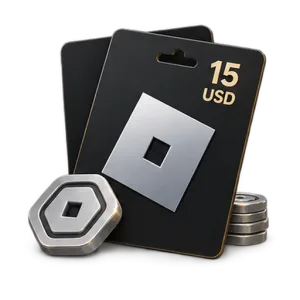
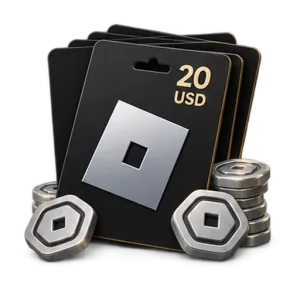

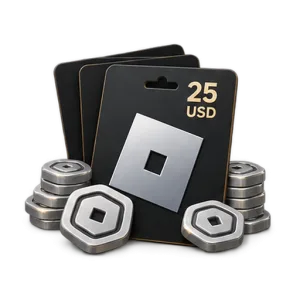

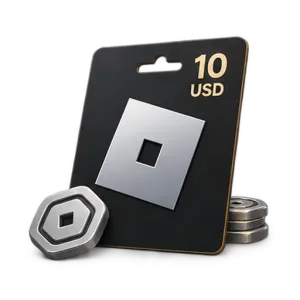
- Choose a code
Select a Robux code or Roblox Gift Card in the denomination you need.
- Pay for your order
Choose a payment method and pay for the order.
- Copy the code
Open the fulfilled order and copy the issued code.
- Redeem in a browser
Open roblox.com/redeem, sign in to the intended account, enter the code and select Redeem.
Frequently asked questions
Where can I redeem a Roblox code or Roblox Gift Card?
Redeem the code on the official Roblox page: https://www.roblox.com/redeem
Sign in to the account you want to top up, enter the code and click Redeem. Make sure you are signed in to the correct account before redeeming.
Sign in to the account you want to top up, enter the code and click Redeem. Make sure you are signed in to the correct account before redeeming.
How to buy Robux for Roblox online?
Choose the Robux amount or Roblox Gift Card you need, place your order and pay online. After successful payment, you will receive a digital code that can be redeemed on your Roblox account.
How do I redeem a Roblox Gift Card?
1. Open https://www.roblox.com/redeem
2. Sign in to your account.
3. Enter the Gift Card code.
4. Click Redeem.
5. After successful redemption, Roblox Credit or Robux will be added depending on the code type.
2. Sign in to your account.
3. Enter the Gift Card code.
4. Click Redeem.
5. After successful redemption, Roblox Credit or Robux will be added depending on the code type.
Do Roblox Gift Cards work internationally?
Yes. Roblox allows codes to be redeemed worldwide. If a Gift Card has a currency value, it is converted to the account’s local currency when redeemed. Always check the product terms and region before purchase.
Can I redeem a Roblox Gift Card on my phone?
Yes. Open a web browser on your phone and go to https://www.roblox.com/redeem
Gift Card redemption is not available in the standard mobile app. Samsung Galaxy users have a separate in-app redemption option.
Gift Card redemption is not available in the standard mobile app. Samsung Galaxy users have a separate in-app redemption option.
What is the difference between a USD Roblox Gift Card and a Robux code?
A USD Gift Card normally adds Roblox Credit equal to its denomination. That balance can then be used to purchase available Robux packages.
A code with a specific Robux amount may redeem directly for that amount of Robux. Check the product type before purchase.
A code with a specific Robux amount may redeem directly for that amount of Robux. Check the product type before purchase.
How many Robux do I get from a Roblox Gift Card?
The amount of Robux depends on the Gift Card value and current Robux pricing. If a product is sold as a code for a fixed amount of Robux, the exact amount is shown in the product name.
What should I do if my Roblox code does not work?
Check that the code was entered correctly and make sure you are redeeming it at https://www.roblox.com/redeem
Watch for similar characters such as 0 and O, 1 and I, 2 and Z, 5 and S, 6 and G or Q, and 8 and B. If the code still does not work, contact store support or Roblox Support.
Watch for similar characters such as 0 and O, 1 and I, 2 and Z, 5 and S, 6 and G or Q, and 8 and B. If the code still does not work, contact store support or Roblox Support.
Reviews